
Stop Rebuilding the Same Lead Integration
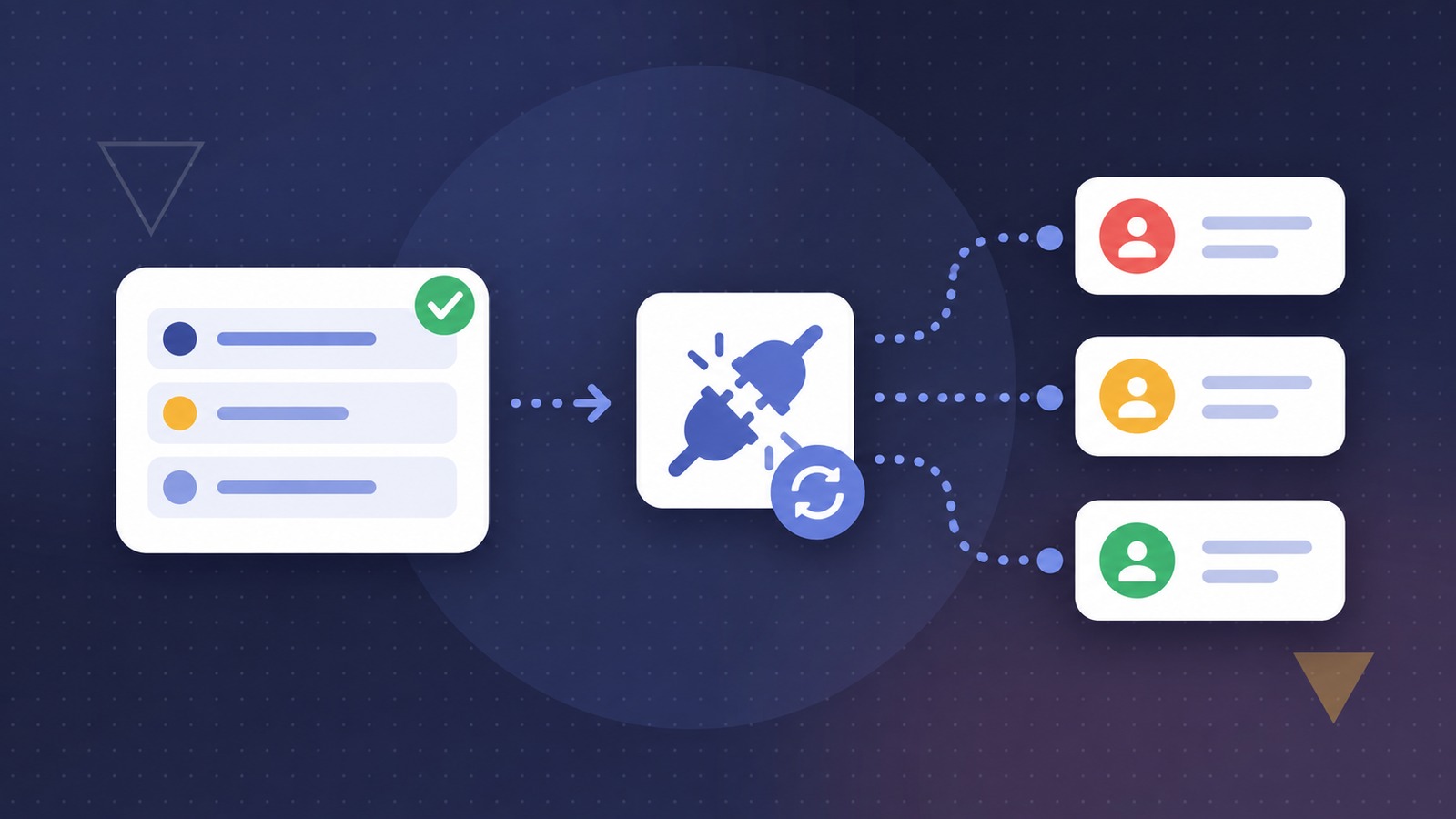
A new lead buyer sends over their API requirements. Someone builds a request, sorts out the authentication, checks the field names and finally gets the expected response. The difficult part should be over.
Then comes the second job: rebuilding that same request inside the system that will deliver the leads. The URL, headers, authentication and body all have to move across correctly. A working test becomes a collection of details to copy, check and explain to someone else.
That handoff is where a small feature can make a person's working day noticeably easier: save the tested request as a reusable connector, rather than start the integration again.
Keep the work you have already done
Fusion's Save as Connector workflow is a practical example. A request saved in API Builder history can be used to pre-populate a connector form. It carries across the endpoint, HTTP method, content type, request body, headers, query parameters, form fields and authentication settings.
The person setting up the integration can review those details, give the connector a useful name and description, and save the configuration for ongoing lead submissions. They are starting from the request they have already worked on, not an empty form.
This does not remove the need to understand the buyer's requirements. It removes a round of transcription after that understanding has been earned. There are fewer settings to reconstruct from memory, fewer opportunities to miss a header, and a clearer starting point when somebody needs to revisit the integration.
Turn sample data into a repeatable request
A successful test usually contains one person's example details. A reusable integration must send the details of each incoming lead instead.
That distinction matters. Saving a request with a fixed test email address is not the same as creating a working lead-delivery process. The sample values need to be replaced with the appropriate lead-field placeholders. Fusion's data-driven connector fills those placeholders from the lead being submitted, including standard details such as name, email address and cell number, as well as configured custom fields.
Consider an illustrative agency workflow: a buyer expects a first name, an email address and a campaign reference. The team first tests the request with approved sample data. When preparing the connector, they replace those sample values with the relevant lead fields, review the buyer's expected response and validate the resulting submission.
The request structure stays reusable; the person's details change with each lead. The team no longer has to assemble that request by hand for every submission.
Make the handoff easier for the next person
The benefit is not limited to whoever first configured the connection. An account manager needs to know which connector belongs to which buyer. An operations colleague may need to check where a particular field is sent. A developer may need to investigate a changed response without recreating the original request.
A clearly named, editable connector gives that work a defined place. Instead of treating the integration as a one-off test tucked away in someone's workflow, the team has a saved configuration that can be reviewed and maintained.
In the reviewed Fusion implementation, the connector also retains a reference to the API Builder history entry it came from. That is useful technical provenance, rather than a guarantee that every later change will stay synchronised with the original test.
Reuse the request, not assumptions about success
A saved request still needs sensible acceptance rules. Receiving an HTTP response is not necessarily the same as confirming the outcome the business cares about.
Fusion's connector configuration supports accepted status codes and optional response-body checks. The outgoing lead record stores sent and accepted outcomes separately. Those checks should reflect what the buyer's API actually promises, rather than treating every response as proof of a completed handoff.
There is also an important operational detail: the reviewed Save as Connector flow creates an enabled connector. It should not be treated as a disabled draft or a separate approval gate. Review the destination, credentials, lead-field placeholders and acceptance settings before saving it for live use, then validate the behaviour with appropriate test data.
Saving a request does not automatically identify every literal value that should become a placeholder, certify the integration, or guarantee that the receiving system will accept future leads. It gives the team a reusable starting point, with configuration and testing still their responsibility.
The useful kind of automation
For lead-generation teams, an easier working day often comes from removing small, repeated jobs: retyping settings, chasing the person who remembers a test, or discovering that the live configuration differs from the request that worked.
A reusable connector addresses a specific part of that problem. It preserves the request configuration and lets people concentrate on the parts that still require judgement: correct data, meaningful responses and a reliable handoff to the buyer.
The aim is not to stop testing. It is to stop rebuilding what you have already tested.

About the author
David Farrell
David is the CTO of Leadify (Pty) Ltd