Leadify platforms

Lead generation, from first message to final delivery.

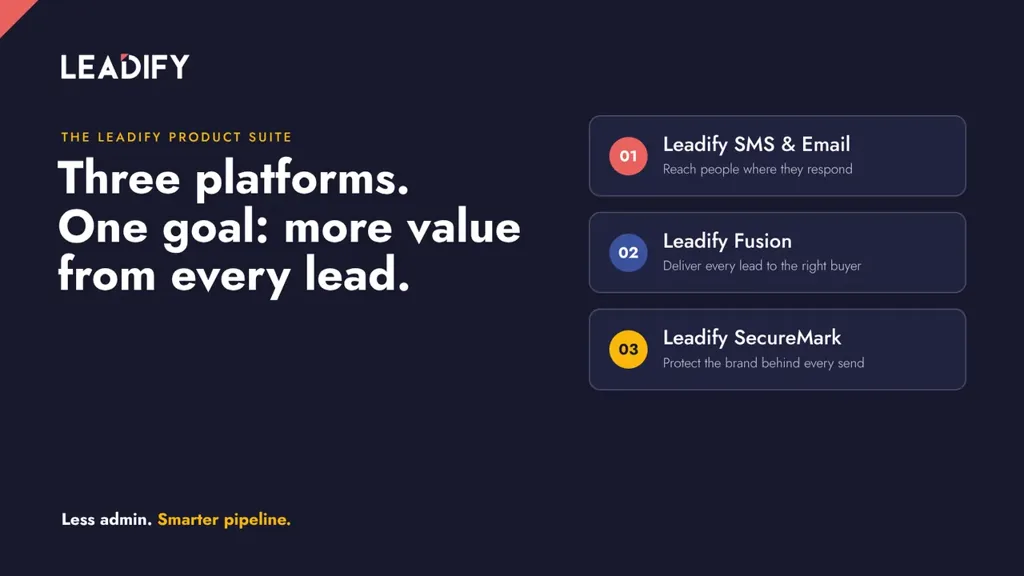
Run SMS and email campaigns, route leads to buyers with Fusion, and see who sends email from your domains with SecureMark.

Get a demo

850m+

SMS messages sent per year

175m+

emails sent per year

2.5m

leads generated by SMS per year

97%

SMS delivery with continuous data cleansing

14,000+

Fusion customer example

Leads accepted by one buyer in . On the same route, Fusion also held back over 3,000 duplicate submissions.

81 of 81

SecureMark customer example

Receiving mail providers stopped every unauthorised message reported for one customer domain in the 90 days to .

Client stories

In our clients’ words

Leadify has already allowed us to scale up our business dramatically, and has given us great hope for the future.

Sarah Nicholson, Operations & Sales Manager, JustMoney

Leadify really works for us, converting a potentially lost opportunity into a powerful – and consistent – opportunity for growth.

Barend Smit, Marketing Director, MotorHappy

Our campaigns basically run themselves, which has freed up time for us to focus on other sales activities.

Matt Koury, co-founder, KOURO Property Group

Leadify SMS & Email

Test messages and track campaign spend

Clean your contact lists, compare messages and see which campaigns generate leads within budget.

Clean contact lists

Leadify removes undeliverable numbers before you send, improving delivery and reducing waste.

Compare messages

Use A/B/C testing with small groups to choose which message to send more widely.

Reduce SMS spend

Clients have saved 20–30% of their SMS budget through data cleansing alone.

Track campaign returns

See gains and losses in real time and move budget to the campaigns that work.

Leadify Fusion

How Fusion delivers a lead

Follow a lead from its source to the buyer’s response.

01

Receive the lead

Identify the source as each lead arrives through an affiliate API, a custom endpoint or a form.

02

Validate the data

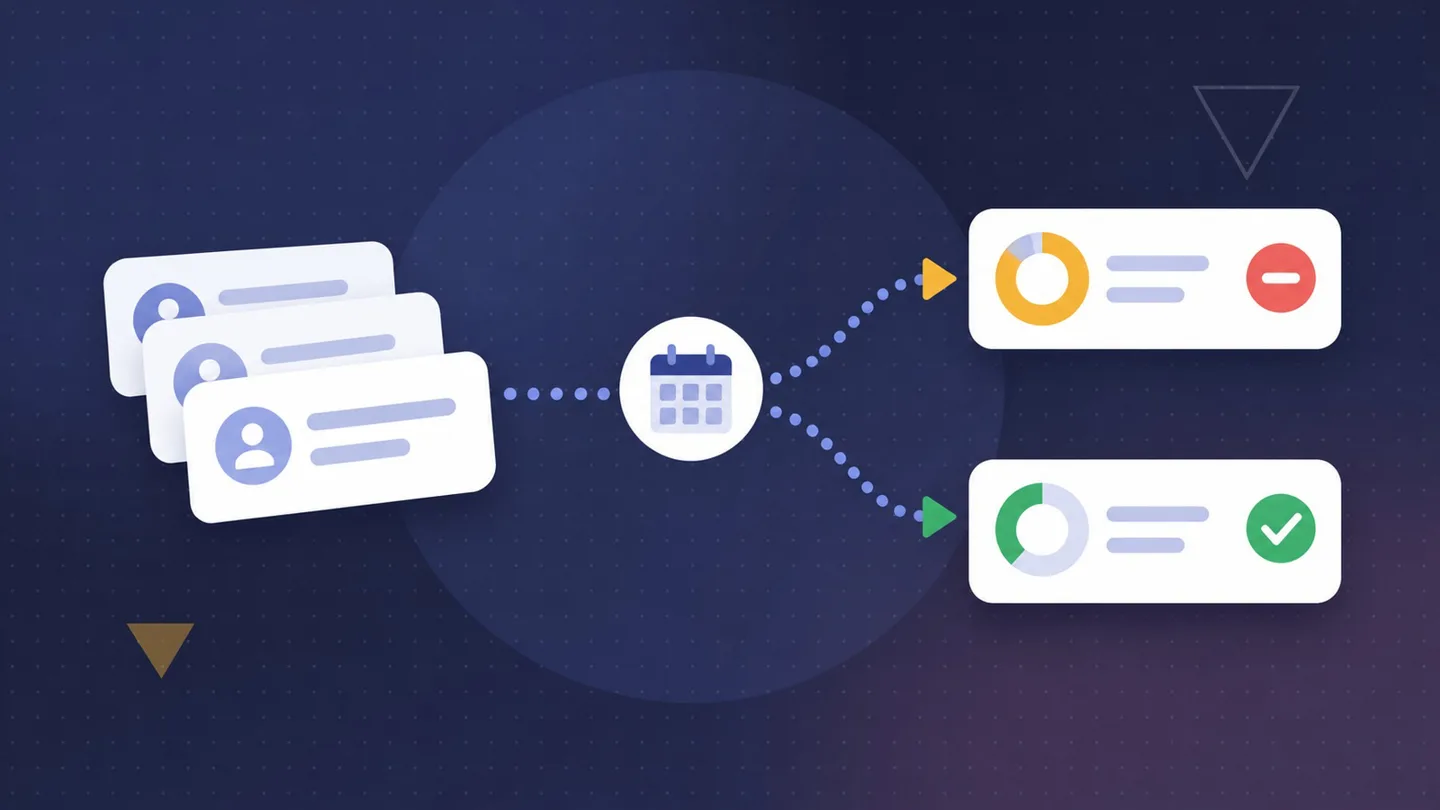
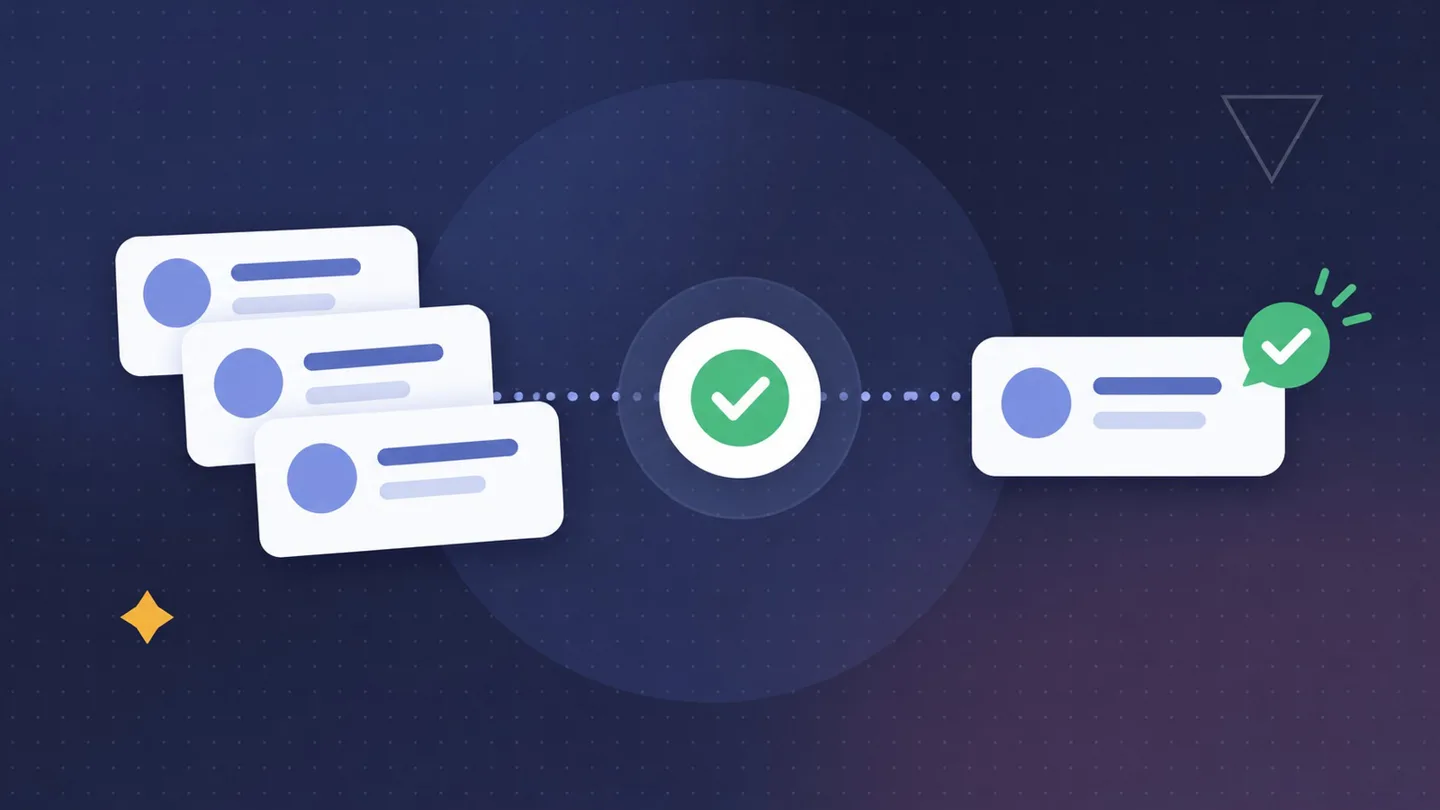
Map and standardise the data. Check required fields, duplicates and Do Not Contact rules.

03

Deliver to the buyer

Send the lead in the format the buyer’s API expects. Check the response against the buyer’s acceptance rules.

04

Track the outcome

See which leads were sent, accepted, rejected or blocked. Resubmit or redirect a lead when appropriate.

Email authentication

Leadify SecureMark

See who sends email using your domain and where authentication fails. SecureMark turns DMARC reports into three checks for your email team.

  • Identify sendersSee which services send on your behalf and investigate unfamiliar sources.
  • Check authenticationFind out which senders pass or fail SPF and DKIM alignment.
  • Review your policyDecide when your domain is ready to move from monitoring to quarantine or rejection.

View a sample SecureMark report

Leadify SecureMark · Sample report

One unfamiliar sender

Illustrative DMARC report. The domain, sender and figures are fictional.

Sending domain
example.com
Reporting window
24 hours
Domain policy
Monitor only

What the receiver saw

One unfamiliar source, 192.0.2.42, sent 18 messages using example.com in the visible From address. All 18 failed DMARC.

SPF
Passed for the sender’s own return-path domain, which did not align with example.com.
DKIM
No DKIM signature was present, so there was no aligned signature.
DMARC
Neither check aligned with the From domain. The receiver reported no DMARC policy action.

What the email team can learn

A legitimate supplier with incomplete setup and someone impersonating the domain could produce the same result. The report identifies the source and the messages affected. It cannot establish who authorised the sender.

What to check next

Compare the source with the team’s approved sending services. If a supplier confirms ownership, ask it to align its return-path domain or enable aligned DKIM signing, then check the next report. If the source remains unrecognised, investigate it before tightening the domain-wide policy.
Back to the SecureMark overview

Insights

Latest from Leadify

Get a Leadify demo

Tell us what you’re working on. We’ll walk you through the platform that fits.